

AR coloring pages that come to life
36 free coloring pages that move in 3D in the exact colors you use. Print, color and scan with the WAGZAK RUN app to watch your picture come alive. No printer? Color it right on the screen in the app.

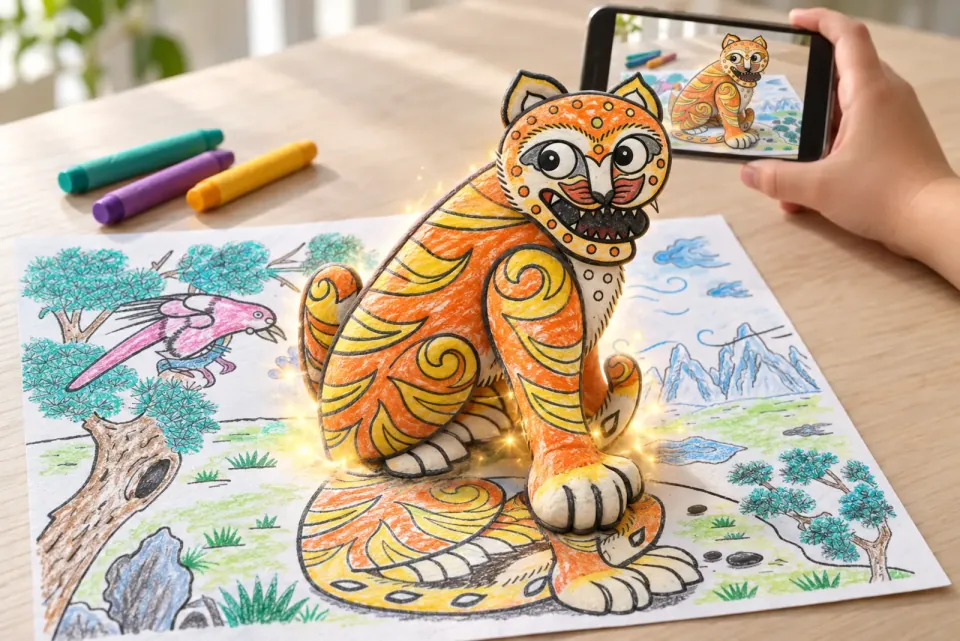
How it works
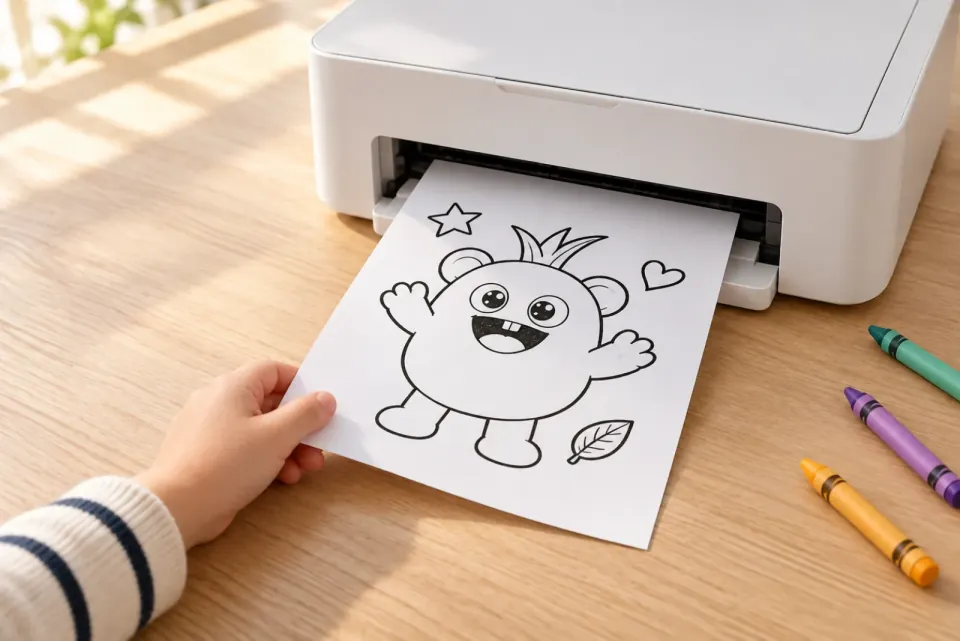 1Print
Download the PDF and print it on A4 paper at 100% size.
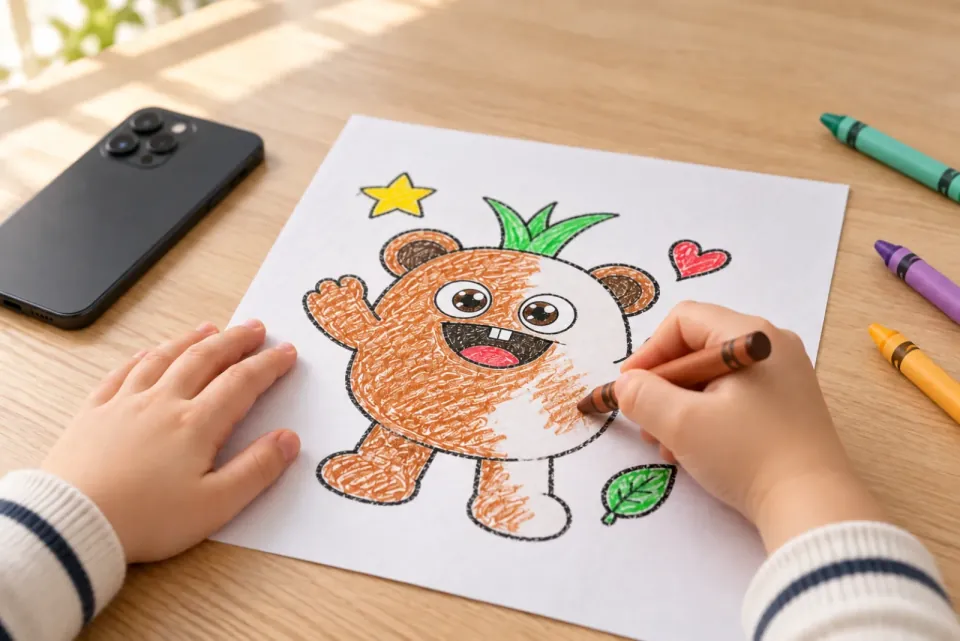 2Color
Color inside the thick lines with colored pencils. Very dark coloring can be harder for the app to recognize.
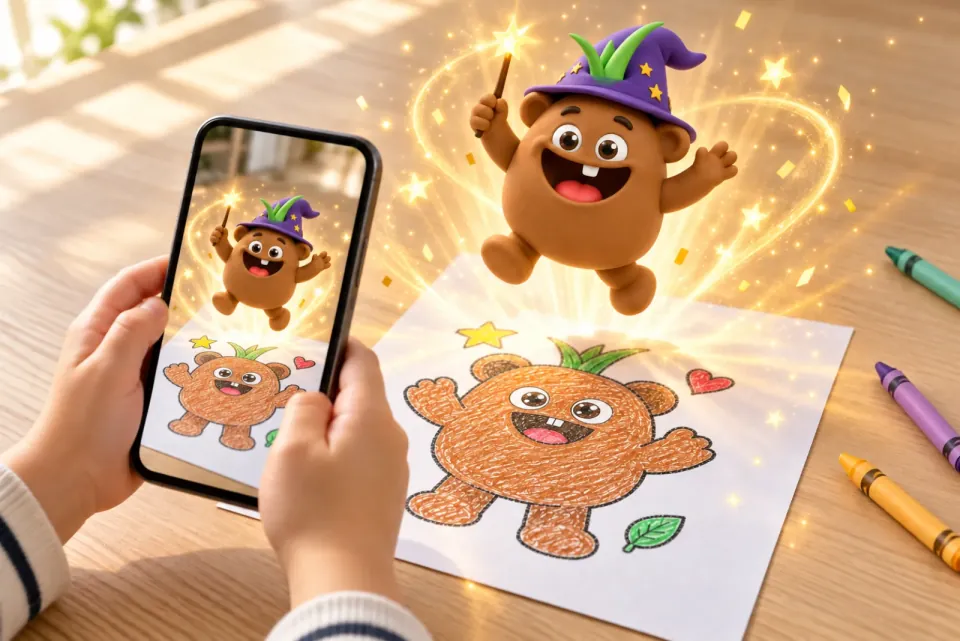 3Scan
Open the WAGZAK RUN app and fill the screen with your page — it comes to life in the colors you chose.
Coloring pages by topic
Nature10 pages
 Let's grow a tree
 Loggerhead turtle coloringTiger coloring
 Parrot coloring
 Emperor penguin coloring
 Nile crocodile coloring
 Sea otter coloring
 Prairie dog coloring
 Protect the Wetlands
 Mr. Cluck's happy farm
Culture10 pages
 The snowman wonders about summer
 Sungnyemun Gate coloring, Korea
 Happy New Year
 Meet the herb fairies
 Dongdaemun, Korea - the Bojewon story
 Heungbo and the Gourd Seed
 Cassy's Dressing Room
 Mimaji mask dance of Gongju, Korea
 Cassy's Room
 Tiger Mask
Society6 pages
 The story of Korea's flag
 Namsan Seoul Tower coloring, Korea
 World Map
 Meet a friend in Tanzania
 A playground for everyone
 Rivers of Chungbuk, Korea
Science4 pages


Safety4 pages
 Riding an elevator safely
 Traffic lights and crosswalk safety
 Riding an escalator safely
 Cars — Drive My Car
Money1 pages

Art1 pages

More to try
Frequently asked questions
How does AR coloring work?
Print a coloring page and color inside the thick lines with colored pencils. Open the app and scan the page so it fills the screen, and the picture comes alive in the exact colors your child chose. No printer? Tap 'Color without paper' in the app and color right on the screen; the picture comes alive in the camera view.
Can I use it free without a subscription?
Yes. WAGZAK RUN gives you all content without a subscription, free for schools, individuals and companies. The app shows ads with child-directed, non-personalized settings, and an optional 1-year Remove Ads subscription is available in the app; the content is the same either way. For commercial use, please apply on the website.
Where do I get magic papers?
On this site, open 'Magic paper' and pick free coloring pages and magic markers. Download the PDF and print it on A4 at 100%. Magic markers are AR markers you scan as they are, without coloring.
What age is it for, and is my child's information safe?
Rated 4+ (App Store) and 3+ (Google Play). Children who can hold a colored pencil can play with an adult, and adults enjoy it too. There is no sign-up or login, so it never asks for a child's name or contact details, and it follows the Google Play Families policy.
Which devices does it work on?
Android phones and tablets that support Google AR (ARCore), and iPhones. If the store shows an 'Install' or 'Get' button, your device can use it.
What if scanning does not work well?
Place the paper on a flat surface in a bright place and hold the phone about a hand span away so the whole paper fits on the screen. Dark crayon or marker coloring can make recognition harder. For AR friends, scan the floor slowly in a bright place.
WAGZAK RUN is a free AR learning app for kids: print a free coloring page or magic paper, scan it with the app, and the picture comes to life in 3D.